
How to Register at FatPirate Casino & Log In to Your Account
Creating an account at FatPirate takes a handful of fields and one decision: whether you’re over 18 and willing to verify. The operator only accepts customers over 18 years of age, and verification paperwork is part of the deal — plan for it from day one so nothing stalls your first withdrawal.
- Open the FatPirate registration form and fill in your personal details, contact information, username and password.
- Confirm you are over 18 — the operator only accepts customers of legal age.
- Log in with your new credentials and complete your profile.
- When the operator requests KYC, submit ID, proof of residence, and proof of ownership plus transaction histories of your payment methods within 30 days.
- The operator usually verifies your documents within 10 business days after you answer the request in full.
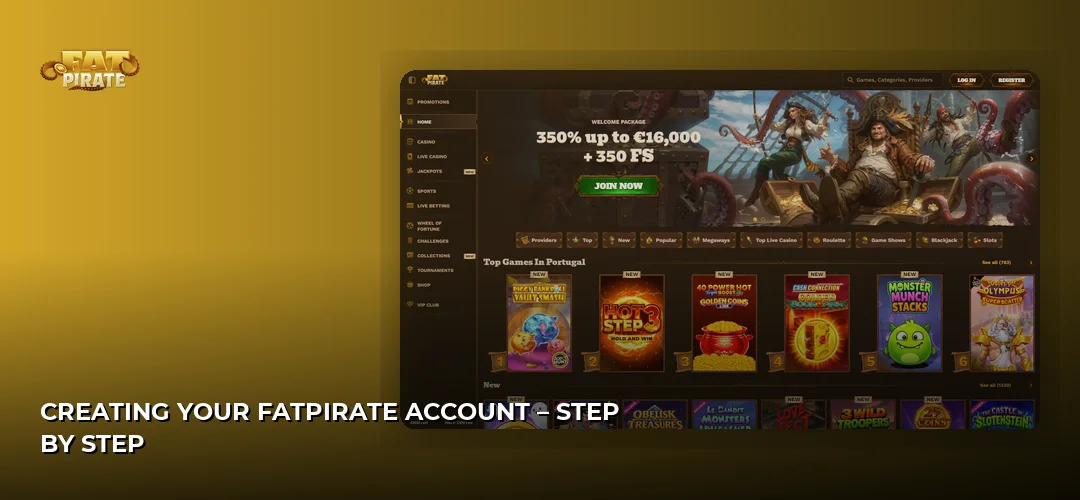
Creating Your FatPirate Account – Step by Step
Registration is a single form: personal details, contact data, and login credentials. The form itself is quick; the real timeline sits with verification. According to the operator, documents are usually verified within 10 business days after you respond to a request in full, and you have 30 days from the request to deliver everything. Answer KYC promptly and the 30-day window never becomes a problem.
Information Required for Registration
The sign-up form asks for three blocks of data:
- Personal details — your full name and date of birth, which must match your ID exactly. FatPirate only accepts customers over 18 years of age, and mismatches here cause verification rejections later.
- Contact information — a valid email address you actually monitor, since the operator’s KYC requests and account notices go there.
- Username and password — your login credentials for every future session. Pick a password you don’t reuse elsewhere; your balance sits behind it.
Documents Needed for Verification
The operator requires four categories of documents, and you must supply them within 30 days of the request:
| Document | Purpose |
|---|---|
| ID (identity card, driving licence or passport number) | Confirms your identity and that you are over 18 |
| Proof of residence / proof of address | Confirms where you live |
| Proof of ownership of payment methods | Confirms the deposit method belongs to you |
| Transaction histories of payment methods | Supports source-of-funds checks |
For anti-money-laundering and Know Your Customer obligations, the operator may additionally collect your social security number, source of wealth or funds, bank ID, and financial statements. Verification is triggered by the operator’s request, not by a fixed schedule — once it lands in your inbox, the 30-day clock starts, and the operator usually completes the check within 10 business days of your full response.
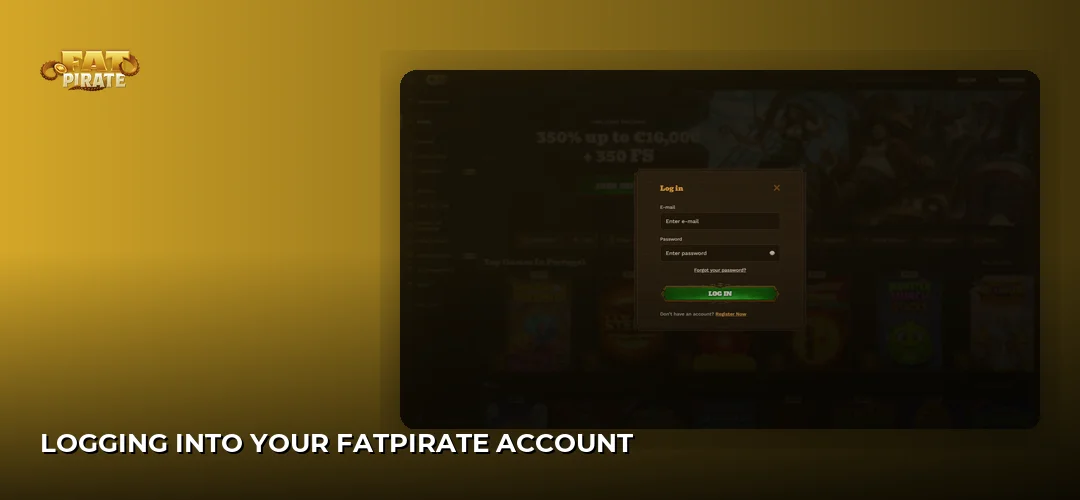
Logging Into Your FatPirate Account
Use the login button on the FatPirate site and enter the username or email you registered with, plus your password. Credentials are case-sensitive, so check caps lock before assuming anything is broken. If you intend to play regularly, log in from a private device rather than a shared one — your session holds access to your balance.
Troubleshooting Login Issues
Most failed logins come down to typos in the email field or a caps-locked password — retype both slowly before anything else. If your account itself needs intervention (for example, you want it closed), the operator handles account matters through its support team: email support@fatpirate.com and the team will process the request. Note that closure is only possible with no remaining balance, positive or negative, on the account.
Account Security & Two-Factor Authentication
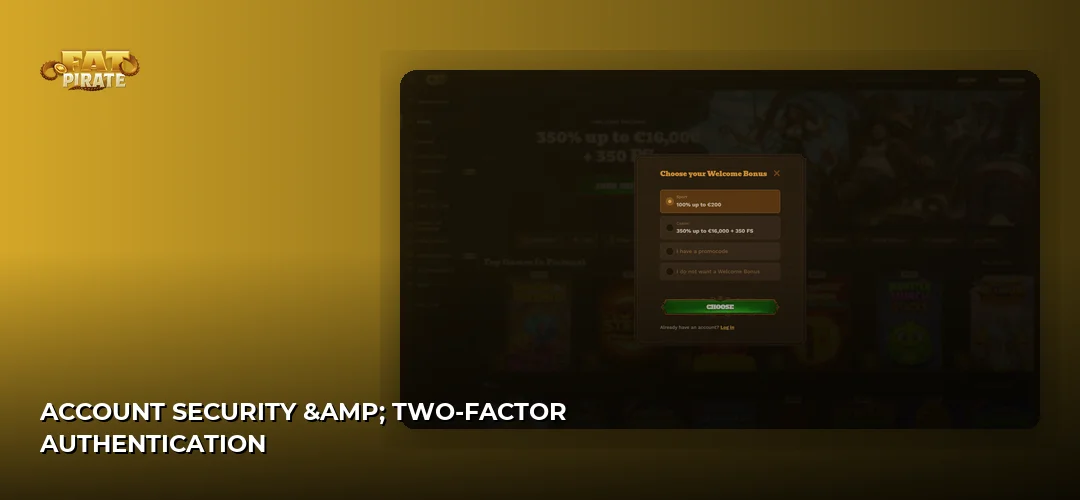
Your FatPirate login protects real money, so treat the password like a banking credential: unique, long, and stored in a password manager rather than a browser on a shared machine. A few habits cover most of the risk:
- Use a password you have never used on any other site.
- Log in only from devices you control.
- Never send your password by email — the operator’s support will never need it; account requests go through support@fatpirate.com without it.
- Log out after sessions on any device that isn’t exclusively yours.
First Steps After Registration
Once your FatPirate registration is complete, the sequence that protects your money is: verify first, deposit second, claim offers third. Submitting your ID, proof of residence and payment-method ownership documents early means the 10-business-day verification window runs in the background while you play, instead of blocking a withdrawal later.
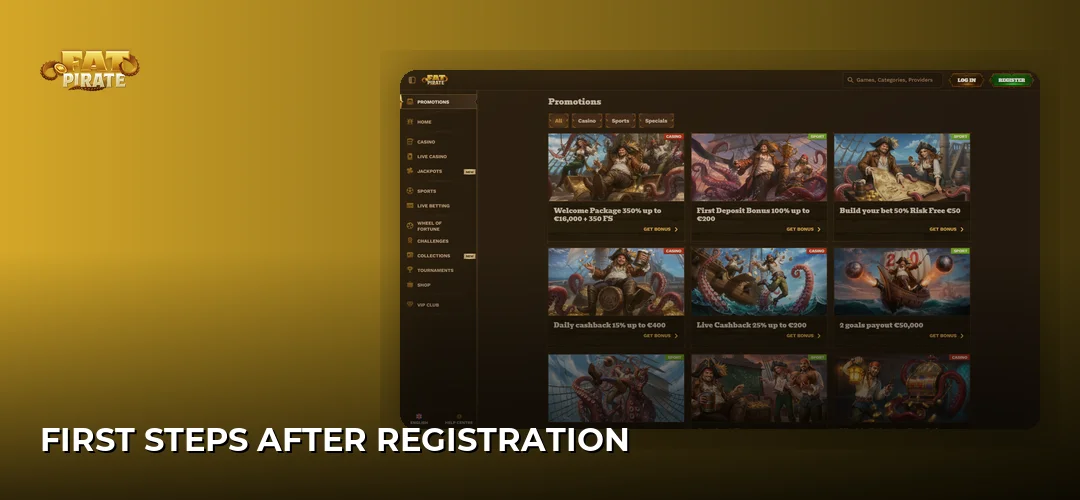
With a verified account, your first deposit unlocks the promotional side of the casino. Two pages on this site cover what comes next in detail:
- Bonuses: FatPirate bonuses and promotions
- Deposits and withdrawals: FatPirate deposits and withdrawals
Frequently Asked Questions about FatPirate
What documents do I need to verify my FatPirate account?
The operator requires ID (identity card, driving licence or passport), proof of residence, and proof of ownership plus transaction histories of the payment methods used on your account. You must provide everything within 30 days of the request, and the operator usually verifies the documents within 10 business days after you respond in full.
Register in a couple of minutes, verify early, and your first withdrawal runs without friction. The button below takes you to the FatPirate sign-up form.